
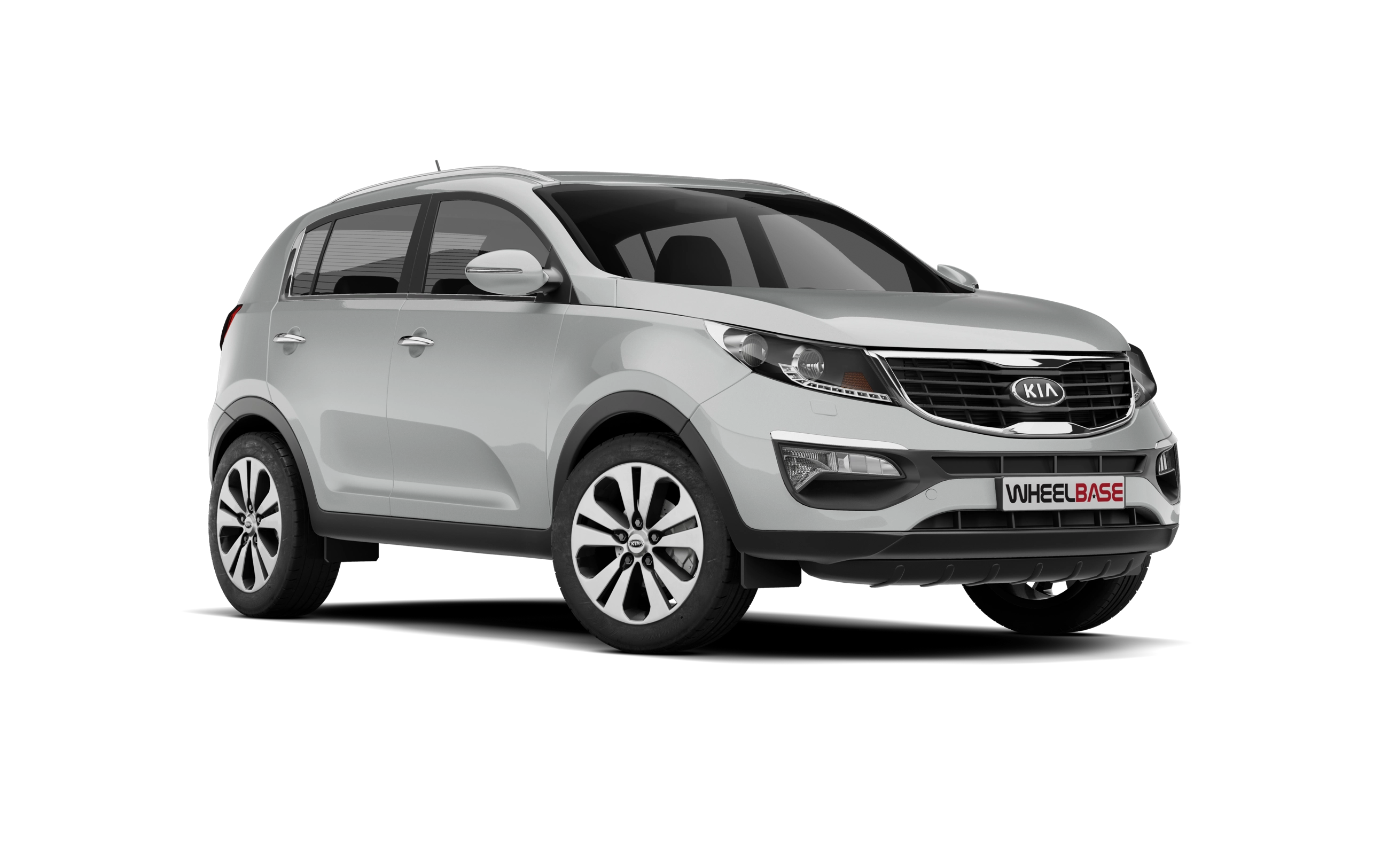
 Kia Sportage: Armed stage
Park the car and stop the engine. Arm the system as described below.
1.Remove the ignition key from the ignition switch and exit the vehicle.
2.Make sure that all doors (and tailgate) and engine hood are closed and latched.
3.Lock the doors using the transmitter of the keyless entry system (or smart key)
or ignition key.
After completion of the steps above, the hazard warning lights will blink (for smart key, the chime also sounds) once to indicate that the system is armed.
If any door (or tailgate) or engine hood remains open, the hazard warning lights and the chime will not operate and the theft-alarm will not arm. If all doors (and tailgate) and engine hood are closed after the lock button is pressed, the hazard warning lights blink once.
The system can also be armed by locking the doors with the key from the front doors; however, the hazard warning lights will not blink using this method.
✽ NOTICE
The theft-alarm system by the key can be deactivated by an authorized Kia
dealer.
If you want this feature, consult an authorized Kia dealer.
Do not arm the system until all passengers have left the vehicle. If the system is armed while a passenger( s) remains in the vehicle, the alarm may be activated when the remaining passenger(s) leave the vehicle. If any door (or tailgate) or engine hood is opened within 30 seconds after the system enters the armed stage, the system is disarmed to prevent an unnecessary alarm.
 Theft-alarm system
 Theft-alarm stage
See also:
Interior light welcome function
When the interior light switch is in the DOOR position and all doors (and tailgate)
are locked and closed, the room lamp will come on for 30 seconds if any of the below
is performed.
Without s ...
Smart key functions
Carrying the smart key, you may lock and unlock the vehicle doors (and tailgate).
Also, you may start the engine. Refer to the following, for more details.
Locking
Pressing the button of the fro ...
Surround View Monitor Malfunction and Limitations
Surround View Monitor Malfunction
If the Surround View Monitor malfunctions, its display may appear green, blue, grey, or black.
If the Surround View Monitor does not operate correctly, the screen f ...
Categories
- Home
- Kia Sportage NQ5 (2022-2026) Owner's Manual
- Kia Sportage QL (2015-2019) Owner's Manual
- Kia Sportage QL (2015-2019) Service Manual
- Kia Sportage SL 2010-2016 Owner's Manual
- Kia Sportage SL 2010-2016 Service Manual
